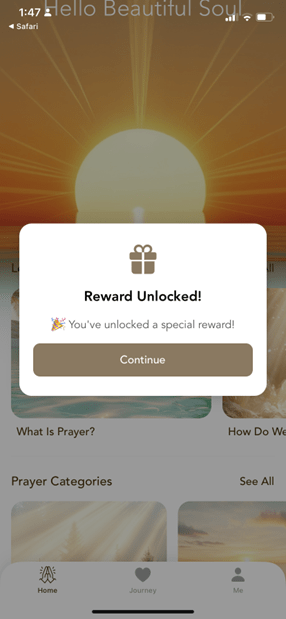
1. Click on the link below, and it will show the following:
https://trueprayerapp.wwk.link/apply/default
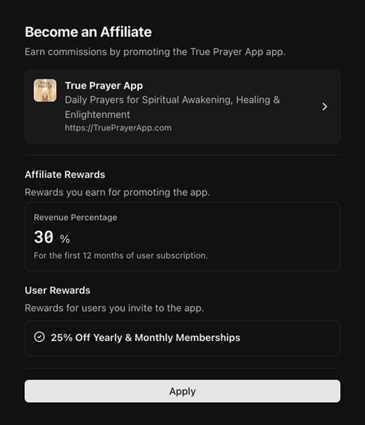
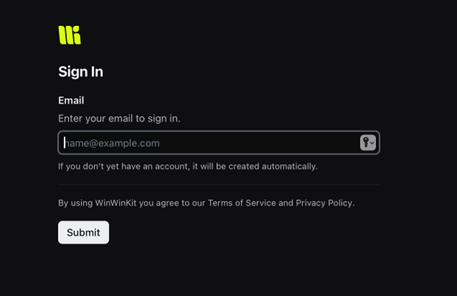
2. Sign up – Enter your email, and it will create an account for you.
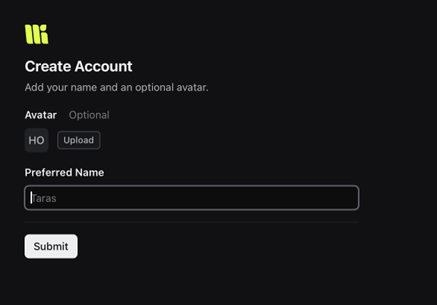
3. Create your account – add your name and optional avatar.
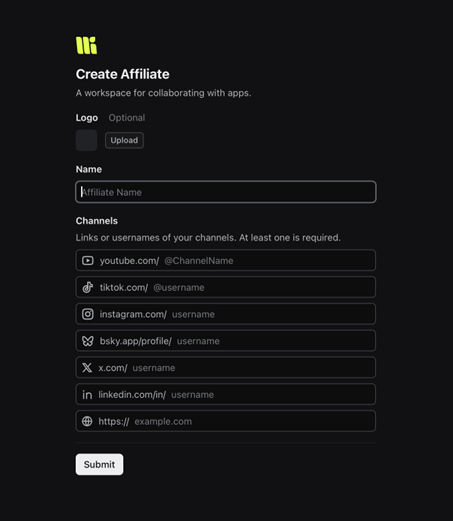
4. Create Affiliate – This is the name of your brand. Or, you can put your name again if you don’t belong to a brand.
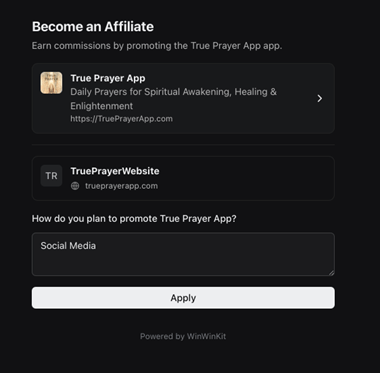
5. Fill out the short form on how you plan to promote True Prayer.
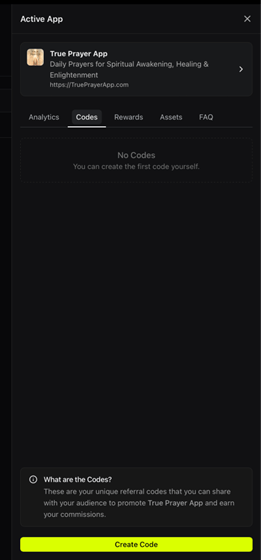
6. Once you are approved, you will first get an email from us and see True Prayer listed under “active” in your WinWinKit account. Click on True Prayer.

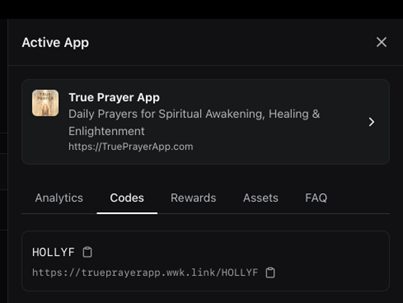
7. Go to the “Codes” tab on your dashboard and create a new code.
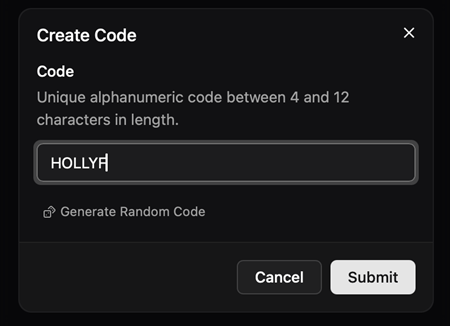
8. We recommend using a code you can remember, like your name or business name.
9. And that’s it! You will now see a link on your dashboard, along with your unique referral code.
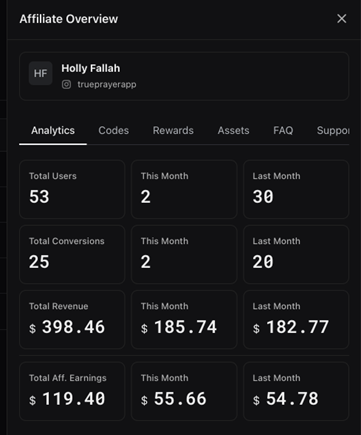
10. View the analytics page to see the users who have downloaded the app and the users who have purchased a membership. You can also refer to this page to see the revenue you bring in and your earnings.
Tex1. Click on the link below, and it will show the following:
https://trueprayerapp.
wwk.link/apply/default
2. Sign up – Enter your email, and it will create an account for you.
3. Create your account – add your name and optional avatar.
4. Create Affiliate – This is the name of your brand. Or, you can put your name again if you don’t belong to a brand.
5. Fill out the short form on how you plan to promote True Prayer.
6. Once you are approved, you will first get an email from us and see True Prayer listed under “active” in your WinWinKit account. Click on True Prayer.
7. Go to the “Codes” tab on your dashboard and create a new code.
8. We recommend using a code you can remember, like your name or business name.
9. And that’s it! You will now see a link on your dashboard. You can copy and paste this and send it to your followers. We can also generate a shorter link that you can use for social media. Email us for that step, and we can help you!
10. View the analytics page to see the users who have downloaded the app and the users who have purchased a membership. You can also refer to this page to see the revenue you bring in and your earnings.
1. Go to the Finance tab.
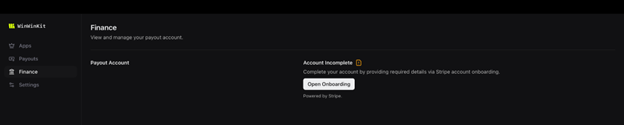
2. Open onboarding
3. Set up your payments with Stripe.
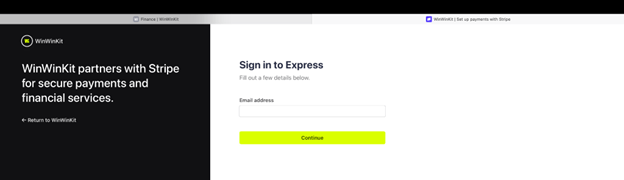
4. Select a business or create a new one. It will then take you to a series of screens where you will enter your business and debit/bank information for payment.
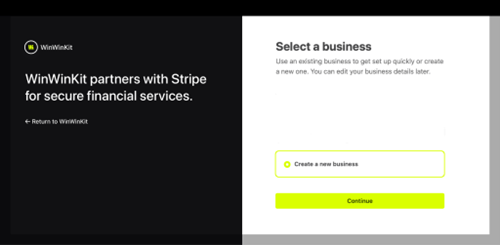
5. Once it is set up, you are ready to receive your payments. Your payment schedule will be the same schedule as Apple/Google. Apple/Google sends their payouts a month or two out. Once we are paid by Apple/Google, we will send your payment, and will notify you when that is completed.
Option 1:
1. Open the app
2. Go to the membership / paywall screen
3. Tap “Enter Referral Code”
4. Enter your code (example: HOLLYF)
Their 25% discounted membership options will appear instantly
Option 2:
1. Send your affiliate code link to your followers.
Example: https://trueprayerapp.wwk.link/HOLLYF
OR we can give you a custom link shortened for your followers on request.
Example: TruePrayerApp.com/HOLLYF
2. They will see this page in their phone (iPhone or Android):
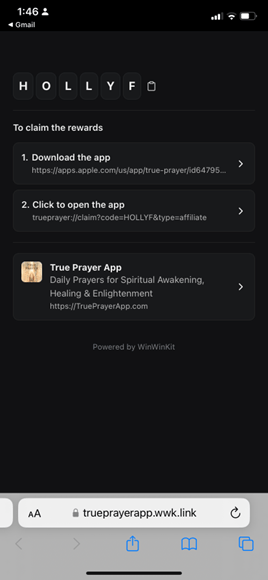
3. First, they must download the app.
4. Once downloaded, they click on step 2, “Click to open the app”.
5. They will be directed to their reward! Once they tap “Continue,” it will take them to membership options that are 25% off.